Amazon Seller Reporting Automation: Stop Spending Hours Collecting Data
Every week, an Amazon seller sits at their computer doing something that makes no sense. They manually copy sales numbers from one tool. Paste them into a spreadsheet. Type in advertising numbers. Calculate profit using a six-month-old formula. Send a report.
This takes 4-6 hours every single week.
Then they realize one number was wrong. So they do it all again.
This is insane. Computers are supposed to save us time, not create boring work.
The solution is Amazon seller reporting automation. Reports generate themselves. Numbers are always correct. You get alerts when important things change. You make better decisions faster.
What Is Amazon Reporting Automation?
Amazon reporting automation means using software to automatically:
- Collect data from your Amazon accounts
- Organize the data correctly
- Calculate metrics (profit, ROI, etc.)
- Create reports automatically
- Send reports to you via email
- Alert you when something important changes
No manual work. No copying and pasting. No Excel formulas. The system does everything. This is similar to how a unified analytics dashboard works, but focuses specifically on reports and alerts.
The Problem: Why Manual Reporting Kills Your Business
You Spend Hours Every Week on Boring Work
Every week you spend:
- 1 hour exporting sales data
- 1 hour exporting advertising data
- 1 hour organizing data in Excel
- 1 hour calculating profit
- 1 hour creating reports
- 1 hour checking for errors
Total: 6 hours per week = 288 hours per year = $8,640 in lost productivity
Your Numbers Are Always Wrong
Manual data entry creates mistakes. You type 100 instead of 1000. You forget shipping costs. You use old prices. By the time you realize, you have made decisions based on wrong numbers.
You Make Decisions Too Late
Manual reports are old news. You create a Monday report about last week's data. But it is Thursday. Things have changed. Your best-selling product is running out of stock.
If you had real-time alerts, you would have fixed it Wednesday. Preventing stockouts through intelligent automation saves thousands monthly.
You Forget Important Reports
You create 3-4 regular reports. But you skip important ones because they take too long:
- Return rate by product
- Advertising ROI by keyword
- Profit by category
- Customer satisfaction by ASIN
How Automation Works
Type 1: Simple Automated Reports
What it does: Collects data daily/weekly, creates report, emails to you, shows same metrics every time
Time saved: 2-3 hours/week
Examples: Weekly sales summary, Monthly profit report, Weekly ad spend report
Type 2: Smart Dashboards with Alerts
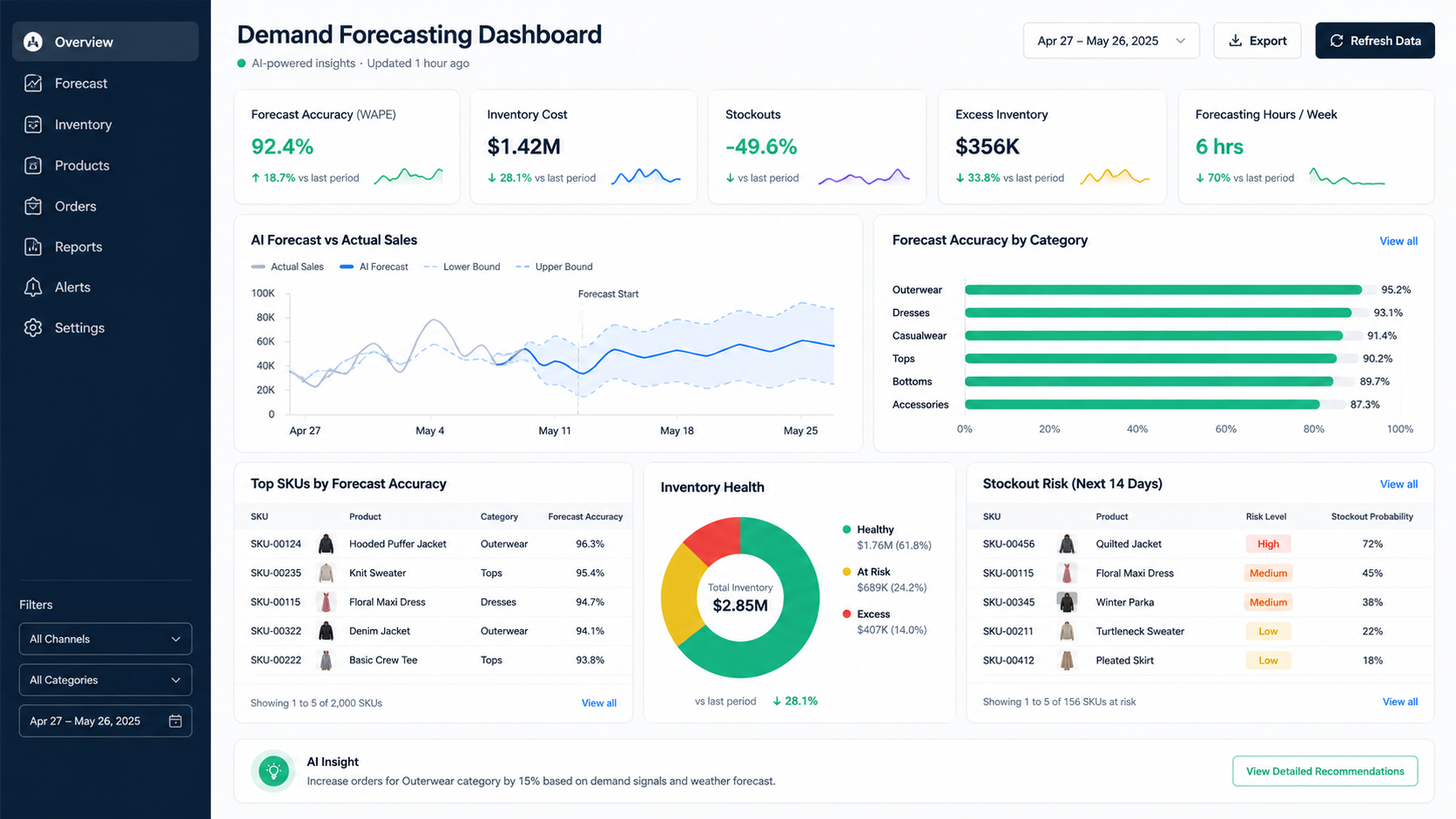
What it does: Pulls real-time data, shows on dashboard anytime, sends alerts when metrics change, drill-down capability
Time saved: 3-5 hours/week
Examples: Inventory drops below 20 units, ACOS exceeds 35%, Return rate over 5%
Type 3: AI-Powered Insights
What it does: Everything above plus analyzes trends, predicts outcomes, recommends actions
Time saved: 5-8 hours/week
Examples: "Best-seller trending down. Reorder now.", "Low-ROI keyword. Consider pausing.", "Profit margin declining. Negotiate with supplier."
The Best Automation Tools
Zapier
Cost: $9-20/month
Difficulty: Medium
Best for: Simple automations
Features: Connect Amazon to 5,000+ apps, create workflows
Make (Integromat)
Cost: $9-29/month
Difficulty: Medium-High
Best for: Complex workflows
Features: More powerful than Zapier, can create complex automations
Built-In Platform Automation
Cost: Included in your analytics platform
Difficulty: Low
Best for: Most sellers
Features: Easiest to set up, data already connected. Most sellers find it works great with a proper analytics dashboard setup.
Google Apps Script
Cost: Free
Difficulty: High
Best for: Advanced users
Features: Write custom scripts to pull and organize data automatically
How Much Time Can You Actually Save?
| Task | Manual Time | Automated Time | Savings |
|---|---|---|---|
| Weekly sales report | 1 hour | 5 minutes | 55 minutes |
| Weekly advertising report | 1 hour | 5 minutes | 55 minutes |
| Inventory check | 30 minutes | 0 minutes | 30 minutes |
| Profit calculation | 1 hour | 0 minutes | 1 hour |
| Data verification | 1 hour | 10 minutes | 50 minutes |
| TOTAL PER WEEK | 4.5 hours | 20 minutes | 4+ hours |
Per month: 18 hours saved
Per year: 900+ hours saved
At $30/hour: $27,000 value per year
Most automation costs: $30-300/month = $360-3,600/year
ROI: 7-75x return on investment
Step-by-Step Setup
Week 1: Setup
- List what reports you currently create
- Choose an automation platform
- Sign up for trial or free plan
- Connect your Amazon accounts
Week 2: Build Your First Report
- Create one automated report
- Test it for accuracy
- Adjust format based on testing
- Set schedule (e.g., every Monday)
Week 3: Add Alerts
- Identify 5 important metrics
- Set alert thresholds (e.g., inventory < 10)
- Configure how you receive alerts (email, SMS, Slack)
- Test alerts
Week 4: Optimize
- Review reports and alerts
- Are they useful?
- Are thresholds correct?
- Adjust as needed
Real Examples
Example 1: Weekly Sales Report
Setup: Every Monday at 8 AM
Pulls: Last week's sales data
Shows: Sales by category, top 10 products, profit summary
Sends to: Your email
Time saved: 2 hours/week
Setup time: 2-3 hours (one-time)
Example 2: Real-Time Inventory Alerts
Checks: Every 4 hours
Alerts on: Any item below 10 units
Sends to: Email or Slack
Time saved: 3 hours/week (no manual inventory checks)
Setup time: 1-2 hours
Example 3: Advertising Optimization Report
Frequency: Daily data, weekly report
Shows: ACOS, underperforming keywords, ROI
Recommends: Pausing low-performing ads
Time saved: 4-5 hours/week
Setup time: 3-4 hours
Common Mistakes to Avoid
Mistake 1: Automate the wrong data - Test manually for 2-3 weeks first
Mistake 2: Too many alerts - You ignore them all. Set top 5-10 only
Mistake 3: Not checking alerts - Act within 24 hours
Mistake 4: Wrong thresholds - Set based on your targets, not too high
Mistake 5: Set and forget - Review quarterly and adjust
The Future of Automation
AI is making automation smarter:
Predictive Alerts: "Based on current velocity, you will run out in 3 days. Order now."
Autonomous Optimization: System automatically optimizes without asking
Anomaly Detection: "Return rate jumped from 2% to 8%. Quality issue?"
Natural Language Reports: Written summaries instead of data tables
Conclusion
Amazon seller reporting automation is one of the highest ROI investments you can make. It costs $30-300/month and saves 900+ hours per year.
More importantly, it gives you back your life. You stop doing boring data entry. You get real-time alerts. You make faster decisions based on accurate data.
Stop wasting 15-20 hours per week. Automate your reporting today. Start with one report, one alert. Build from there. By next month, you will have reclaimed dozens of hours you can use to actually grow your business.